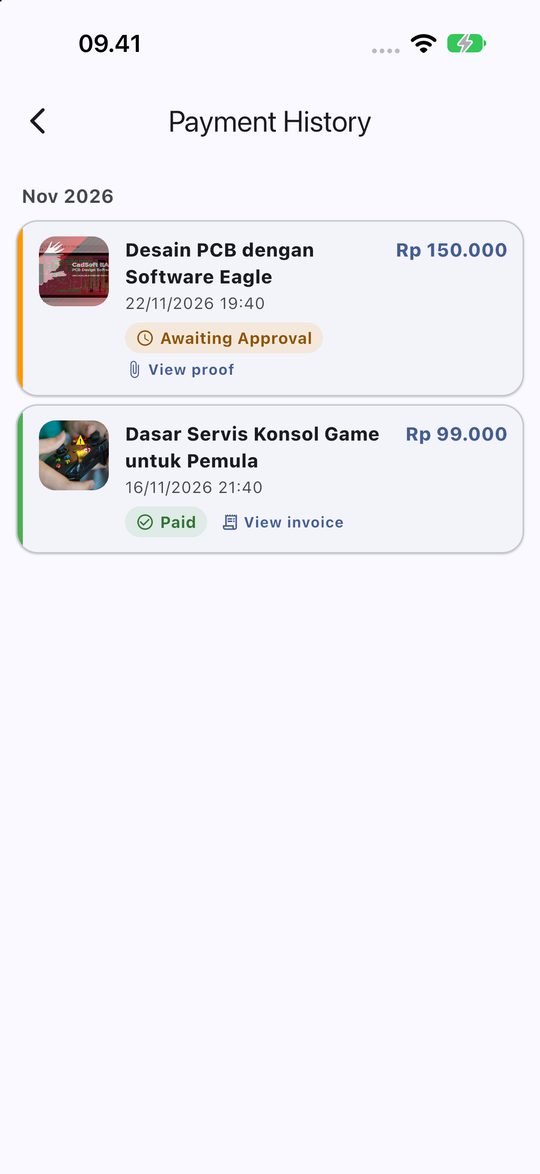
Payment History
Payment History lists every course, ebook, and bundle purchase, including transfers an admin is still checking.
1. Payment statuses
| Status | Meaning |
|---|---|
| Paid | Payment received; the item is yours |
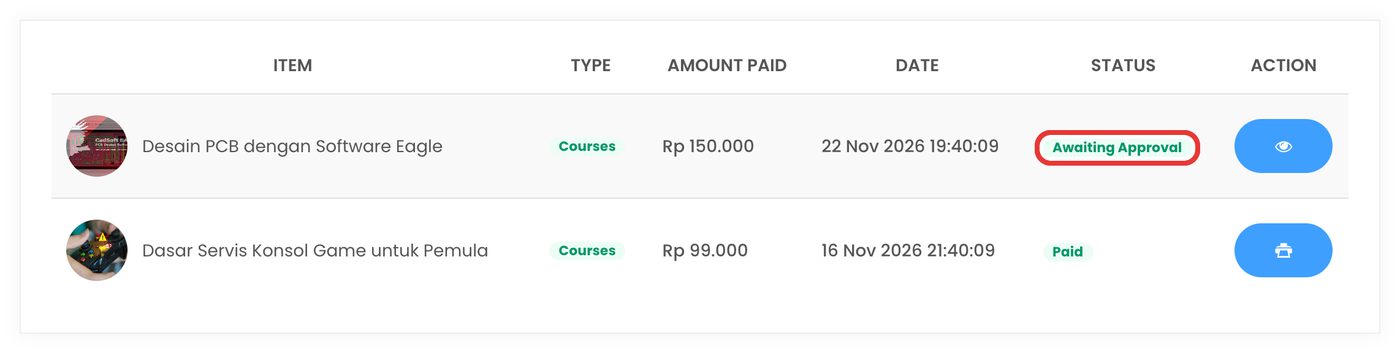
| Awaiting Approval | An admin is checking your transfer proof |
| Suspended | The transfer could not be accepted yet — contact the admin through Support Ticket or Messages |
2. Invoices and transfer proof
- Print invoice opens an invoice you can print or save as PDF.
- View transfer proof shows the proof you uploaded, with a Download button.
- One row can include several courses and ebooks when they were paid together from the cart.
3. In the app
☰ › Payment History shows the same statuses (Awaiting Approval, Paid), View proof for transfers, and View invoice.