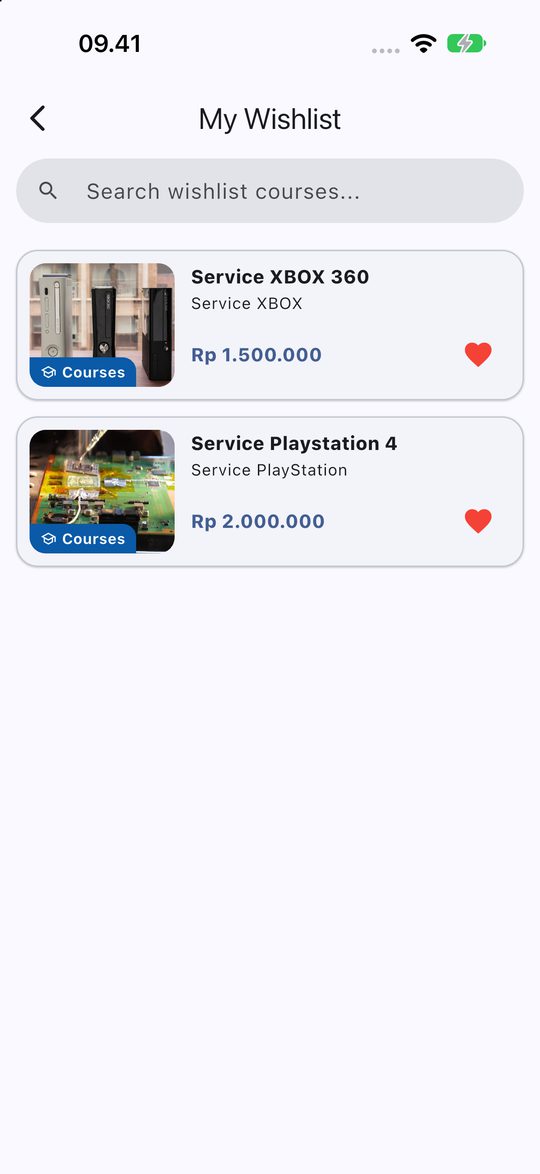
My Wishlist
The wishlist keeps courses you want to take later. It is for courses only, not ebooks or bundles.
1. Adding and removing
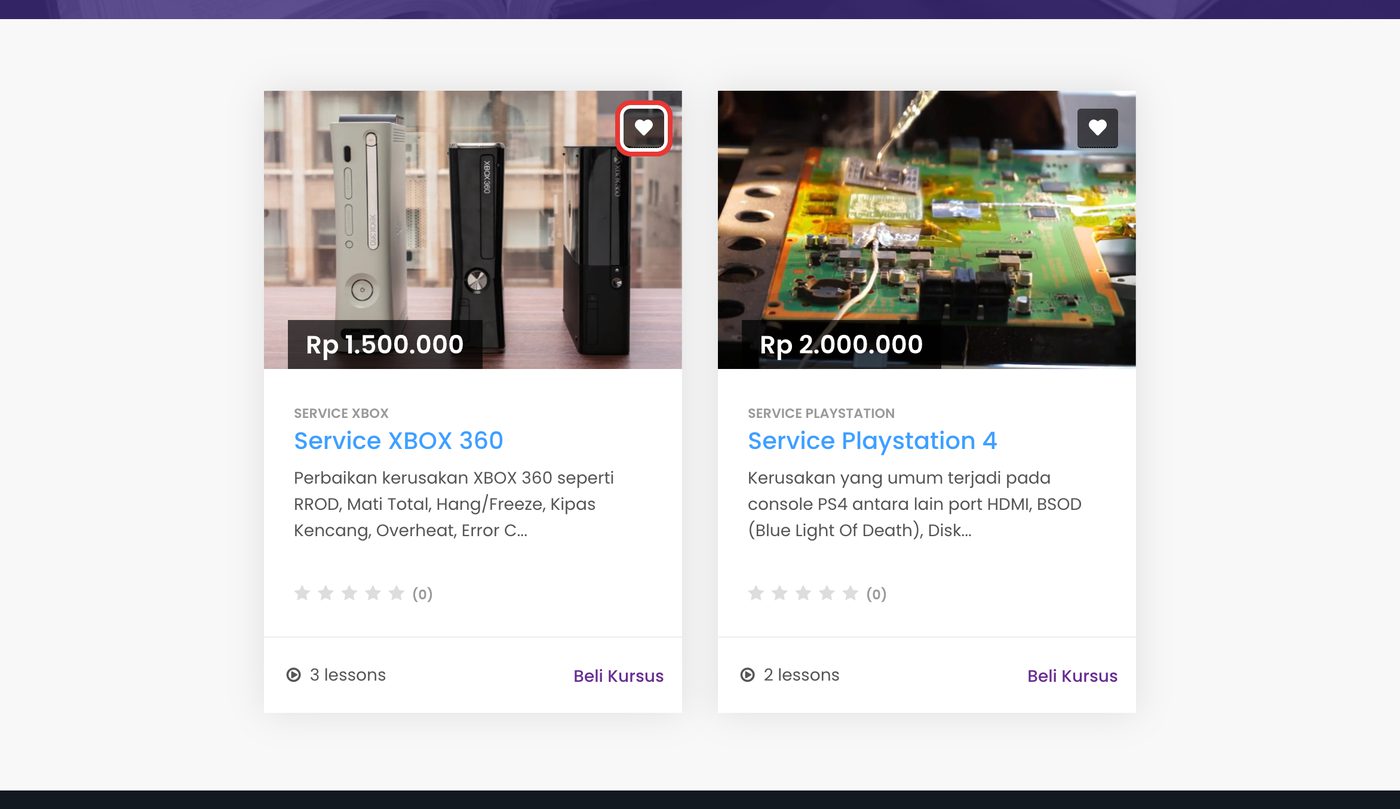
- Click the heart icon Add to wishlist on a course card in the catalog, or Add to Wishlist on a course page.
- Remove a course with Remove from wishlist.
- Courses you already take are marked Registered.
2. In the app
☰ › Wishlist lists saved courses; tap the heart icon to remove one.