
My Courses · Certificates
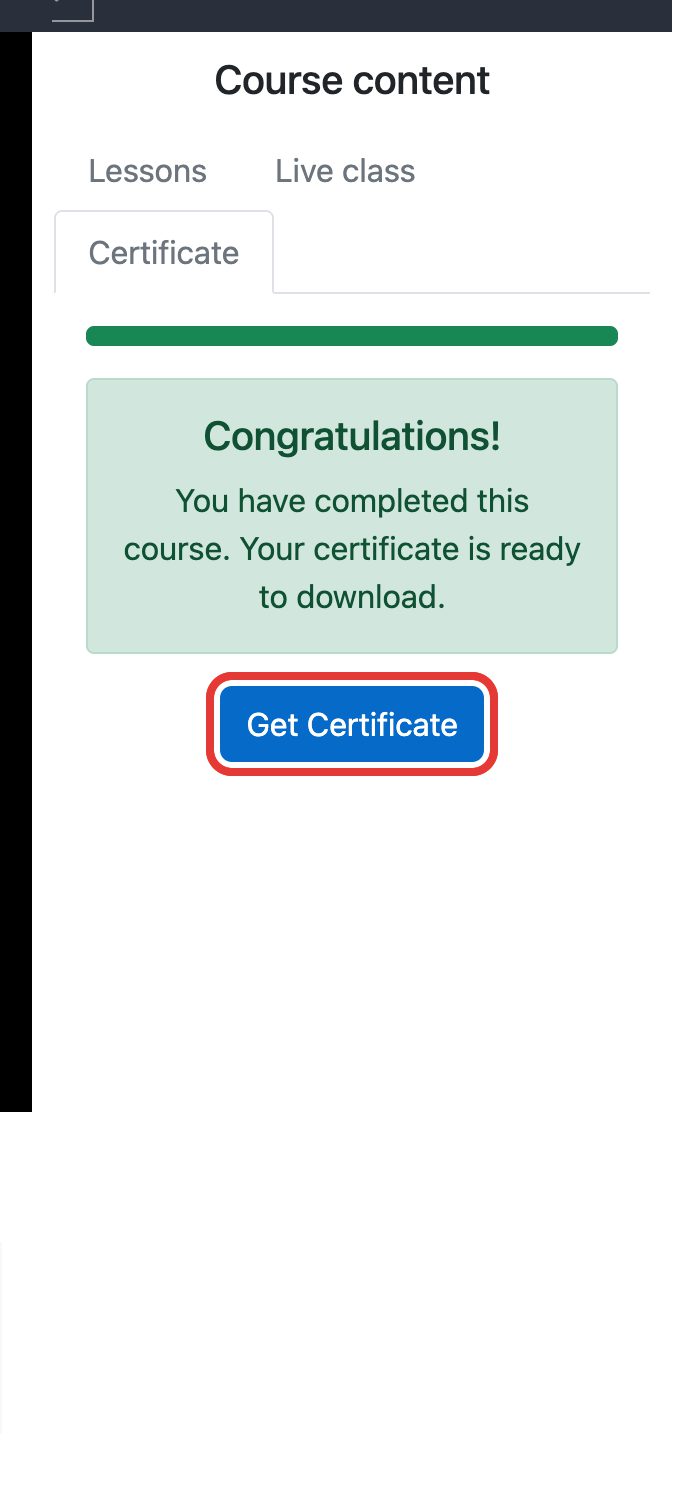
The certificate is in the Certificate tab of the learning page once every lesson of the course is complete.
1. When the certificate is available
- Until progress reaches 100%, the Certificate tab says the certificate can be downloaded once the course is 100% complete.
- At 100%, click Get Certificate.
- A quiz lesson counts as complete once you pass its quiz.
2. Verifying a certificate
Each certificate has a verification ID and a QR code. Anyone can open its verification page without signing in; it shows the participant name without the email address.
3. Courses from a bundle
Important: Access and certificates for courses obtained through a bundle last as long as the bundle is active. If it expires and is not renewed, the course access and its certificate are revoked as well.