
Payout
Your earnings can be withdrawn to your Tokoteknologi wallet balance or to a bank account.
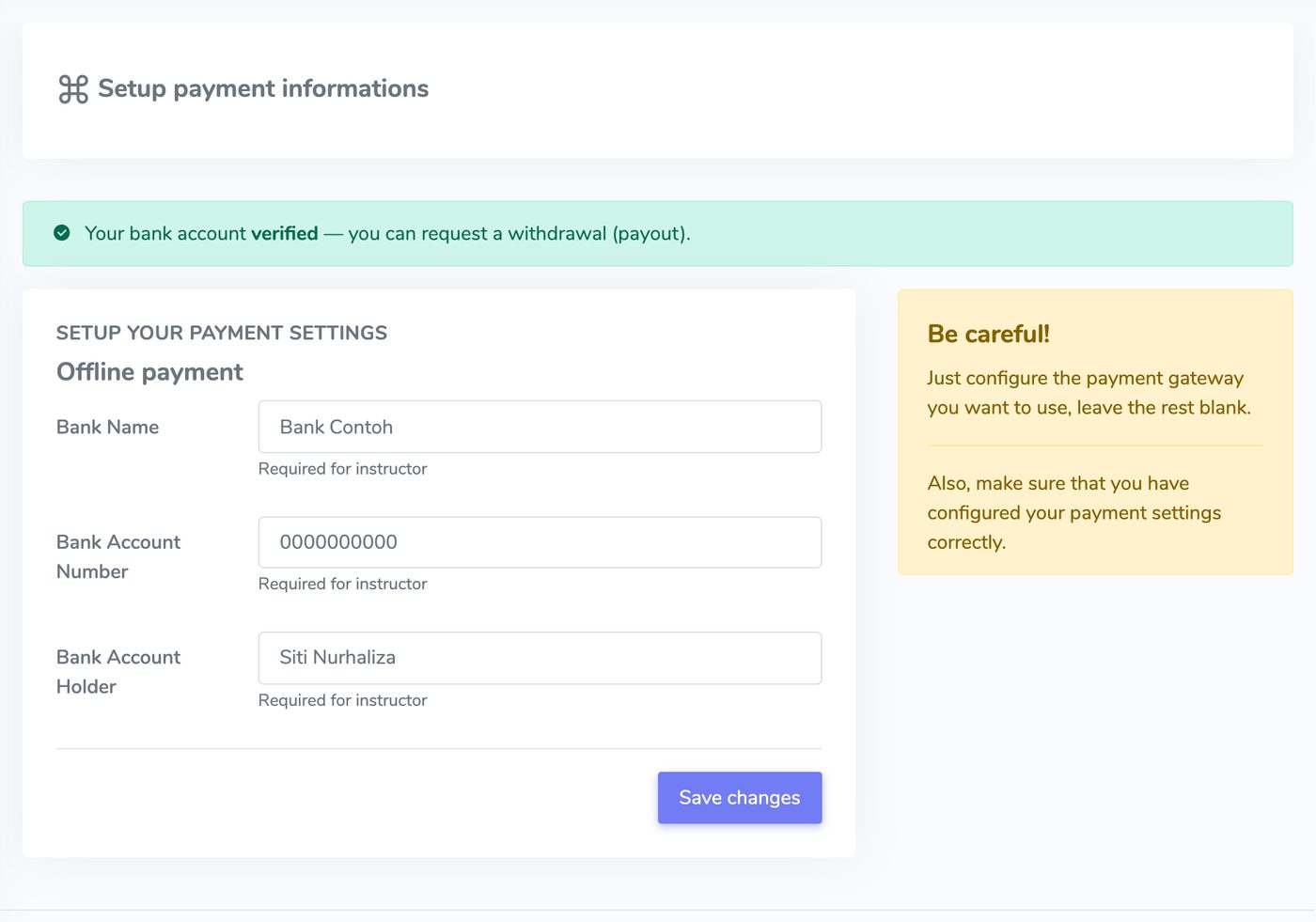
1. Registering a bank account (Payout settings)
- Fill in your bank details in Payout settings and save. A verification email is sent to your account email address.
- Click the link in that email; the account then awaits admin approval.
- Once approved, the account is verified. If rejected, correct the details and save again.
2. Withdrawing (Payout report)
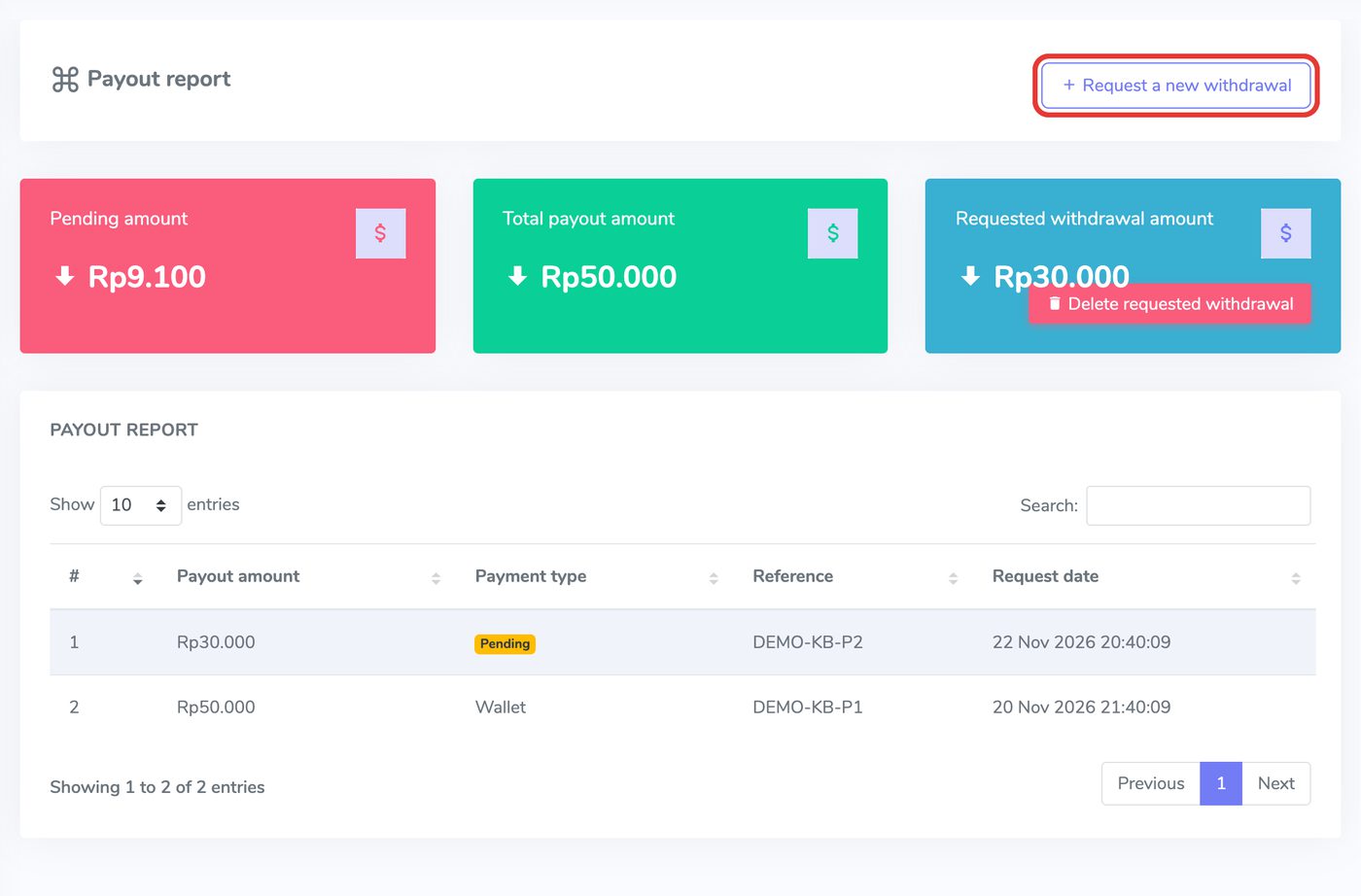
- Click Request a new withdrawal and choose the Withdrawal Method.
- Enter the amount (up to your available balance; Max fills in all of it).
- Submit the request.
| Method | How it works |
|---|---|
| Wallet | Goes straight to your wallet balance, no admin approval |
| Bank Transfer | Needs a verified bank account and admin approval |
Tip: If your wallet balance has reached the Bank Indonesia limit, withdrawals are only possible by bank transfer.
3. Withdrawable balance
Your available balance comes from your own courses and ebooks plus your share of bundle sales, minus completed or requested withdrawals. Delete requested withdrawal cancels bank transfer requests that are still pending.