
Become an Instructor
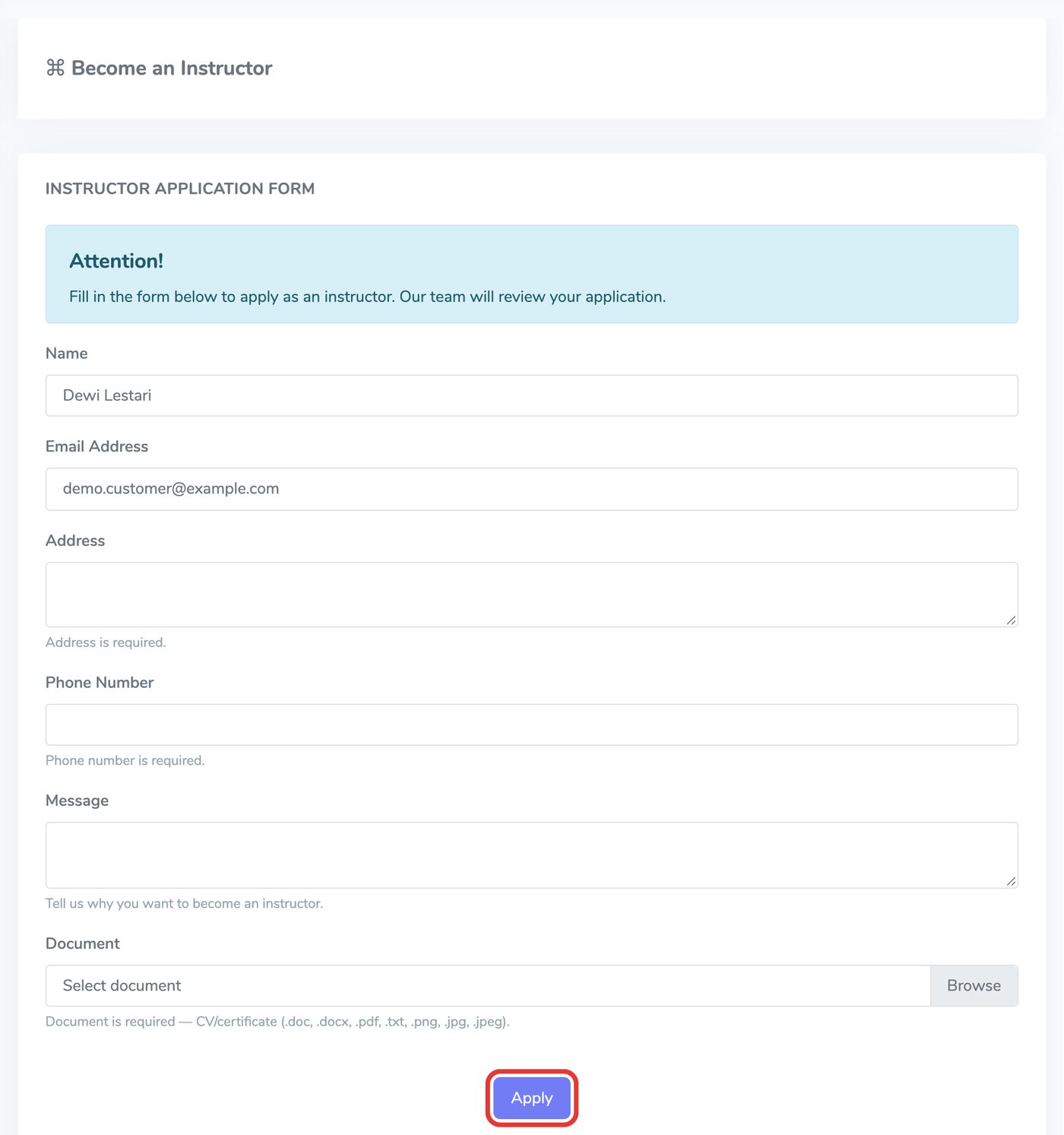
Click Become an Instructor in the top menu to open the Instructor Application Form.
1. Filling in the form
- Enter your Address, Phone number, and a Message about your teaching experience.
- Upload supporting documents such as a CV or certificates (documents, PDF, text, or images). All fields are required.
- Click Apply.
2. After applying
- The Your Application table shows Pending, Approved, or Rejected, with the reason when rejected.
- While an application is pending, the form is hidden.
- After a rejection you may apply again.
- Once approved, the menu changes to Instructor and opens the instructor dashboard.