
Course manager · Curriculum
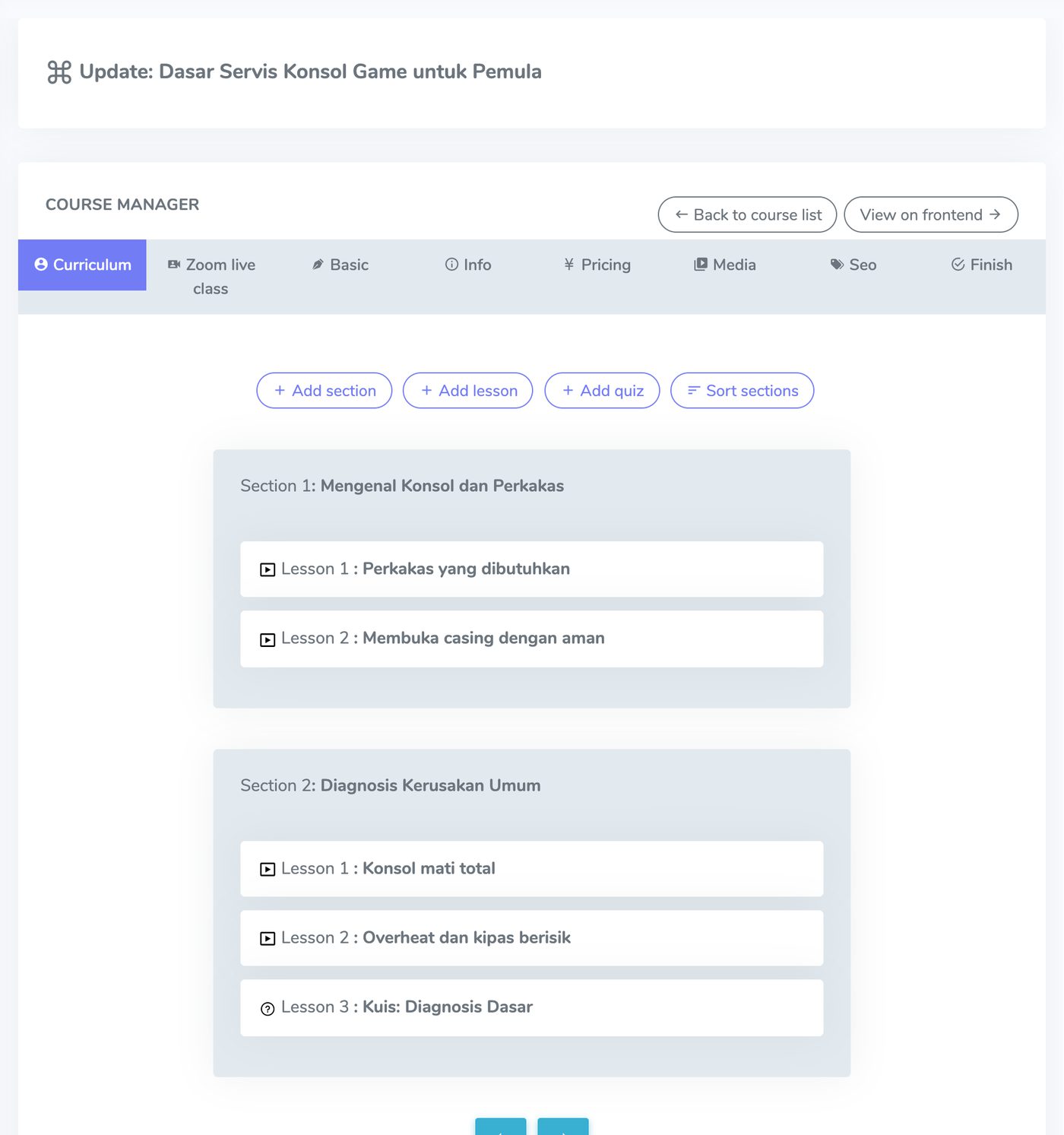
Open the course through Section and lesson or the Curriculum tab of the course form.
1. Building the curriculum
- Add section to create a chapter, then Add lesson or Add quiz inside it.
- Reorder with Sort sections and Sort lessons.
- Lesson types: YouTube video, Vimeo, .mp4 video URL, video file, document file, text, image file, and iframe embed.
2. Quizzes
- Add questions with Add new question: multiple choice, single choice (true/false), or fill in the blank.
- Set the Number of quiz retakes. Students pass with a score of 60% or more.
3. Drip content
Enable drip content makes students mark the previous lesson complete before the next one opens.
4. Zoom live class
The Zoom live class tab stores the date, time, meeting ID, and meeting password. A course has one schedule; saving a new one replaces the old one.