
Course manager
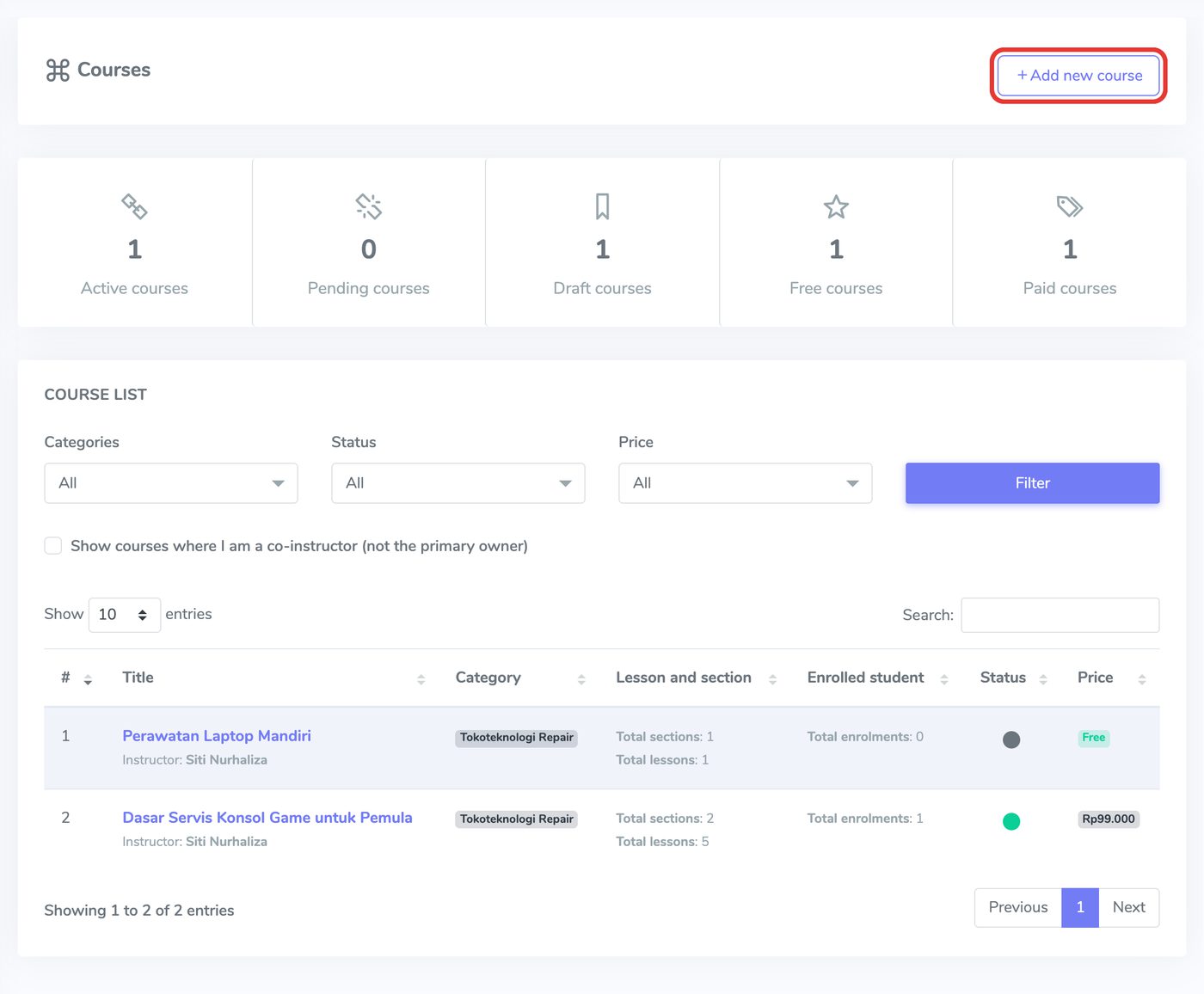
Course manager lists all your courses with counts of active, pending, draft, free, and paid courses.
1. Creating a course
- Click Add new course.
- Fill in the form tabs: Basic, Info, Pricing, Media, and SEO, then save.
- Build the lessons in the Curriculum tab — see curriculum, lessons, and quizzes.
Tip: Fill in Warranty (days) if you offer a warranty; students can claim through Support Ticket while it runs. Keep it as a private course hides the course from the catalog.
2. Submitting for publishing
- Click Publish this course. The course stays pending until an admin approves it.
- A course can be submitted only when it has lessons and every section contains at least one lesson.
- Mark as drafted moves the course back to draft.
3. Deleting a course
Important: A course that has been purchased cannot be deleted. Make it private if you no longer want it shown.